No Passwords, No Access: The Private Way to Use AI
The safest AI is not the one with the best encryption. It is the one that never needed your passwords in the first place.

Secy
Personal AI Secretary
Our posts are written by the Secy team, with AI assistance and a human review before publishing.
The Quiet Line in the Setup Screen
You install an assistant. It looks calm and helpful. Then comes the step. Connect your email. Connect your calendar. Connect your notes.
Most people click through. Not because they want to, but because there is no obvious way to say no without losing the product.
That is worth pausing on. Access is the part of an AI assistant that is hardest to take back.
What Access Actually Means
Access is not one thing. It is a bundle of permissions, and the bundle usually includes more than the feature you wanted.
- Read. The assistant can see your messages, files, or events.
- Write. It can send, create, and change things in your name.
- Stay connected. The link keeps working until someone revokes it, which in practice means it keeps working.
You clicked for the convenience of the first one. You often end up granting all three.
Why This Is the Part People Regret
When people abandon AI assistants, access sits at the top of the reasons. Not speed. Not price. The uncomfortable feeling of how much a helpful tool had to see in order to help.
One pattern is worth knowing. A person sets up an assistant, lets it handle a few things, watches it need visibility into more and more of their life, and then deletes the account. The product had worked. The trust had not held.
Once trust breaks, nothing else about the product matters.
Two Things That Are Not the Same
It is easy to blur two very different claims, so here they are side by side.
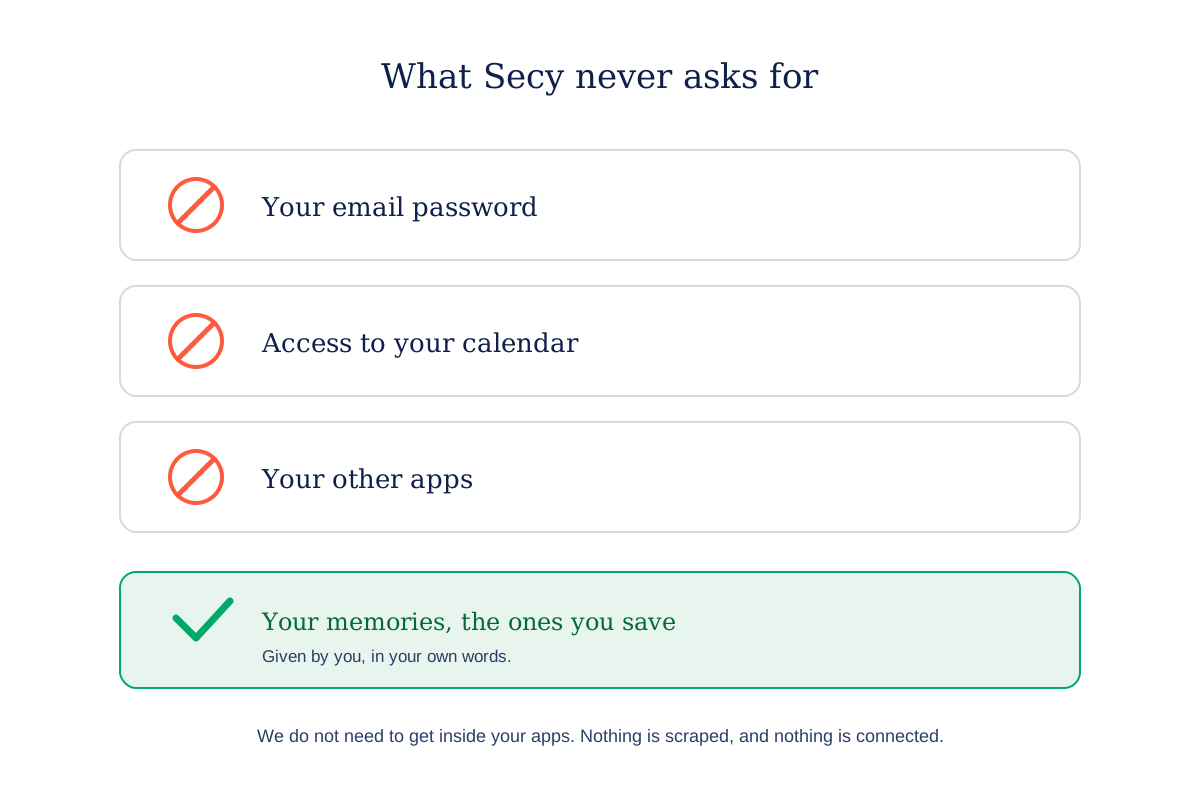
We never need to get inside your other apps. No inbox, no calendar, no drive, no other accounts. That is the claim, and it is the one we are making.
We hold nothing about you at all. That is a different claim, and we are not making it. Secy holds your memories, because you save them there, in your own words. That is the entire point of a memory vault.
The honest version is more useful anyway. A secretary who knows nothing cannot help you. A secretary who needs the keys to every room in your house is not a secretary you would keep.
How Secy Works Without Access
Secy does not read your email and does not ask for it. It runs on what you bring it.
You save a link, a note, or a voice memo in a few seconds. Secy enriches it, tags it, and can bring it back when it is relevant again. Briefs pull your context into one view. News curates the signal from outside. Motions turn a decision into a reminder that reaches you at the right moment.
None of that requires reading your other accounts, which is why capture being manual is a feature rather than a gap. For the wider privacy picture, including encryption and control, see Private AI Assistants, Explained.
What To Do If You Want Help Without the Access
You can get a lot from an assistant that never asks for your accounts. A simple way to start:
- Give it what you choose, not what it asks for. Save the things you actually want remembered.
- Treat a connect prompt as a decision, not a step. Ask what that one feature needs, and whether you would miss it.
- Prefer products that are useful with nothing connected. If usefulness only exists after access, that is the product’s bet, not your requirement.
- Keep the exit open. Export and delete should exist before you need them.
Final Thought
The safest assistant is not the one with the strongest lock on the door. It is the one that never asked for the key.
Your life is yours. A good secretary works from what you hand over, and never goes looking through the house.
Secy is a personal AI secretary that works from what you save, with no passwords and no access to your other apps. 👉 https://secy.io
More in Trust & Privacy
Start with a calmer morning.

From 500+ Beta Testers Reviews